The AI that teaches you anything.

Any software, any subject, any language, any exam. Type one sentence and Ramses builds the whole course — then watches your screen and shows you where to click.

Free on the Microsoft Store · installs and updates itself · or run it in your browser, no install.

Windows 10 / 11 · desktop app 20 interface languages Plans from €19 / month
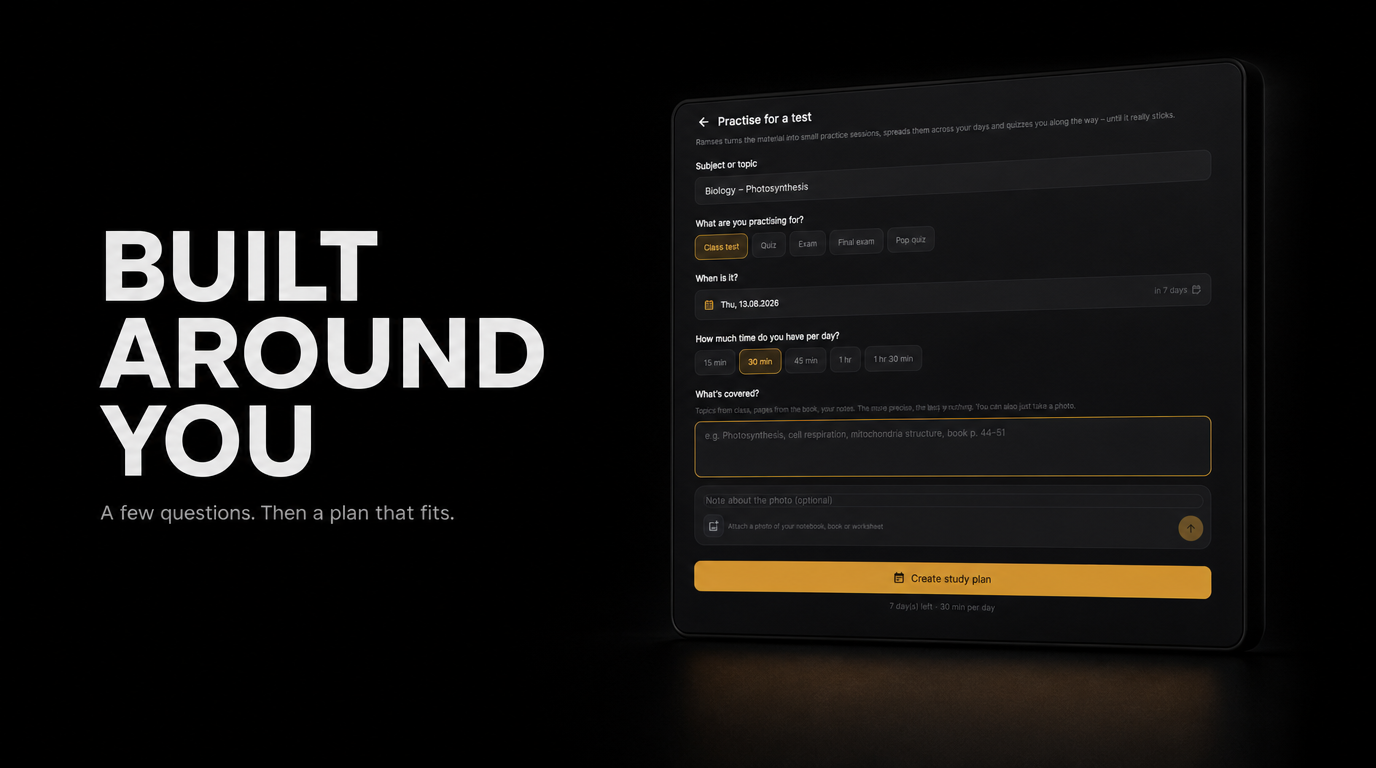
Ramses Learning showing a course plan built around the learner
From one sentence to a course

You say what you want to learn. Ramses does the rest.

I

Say it in plain words

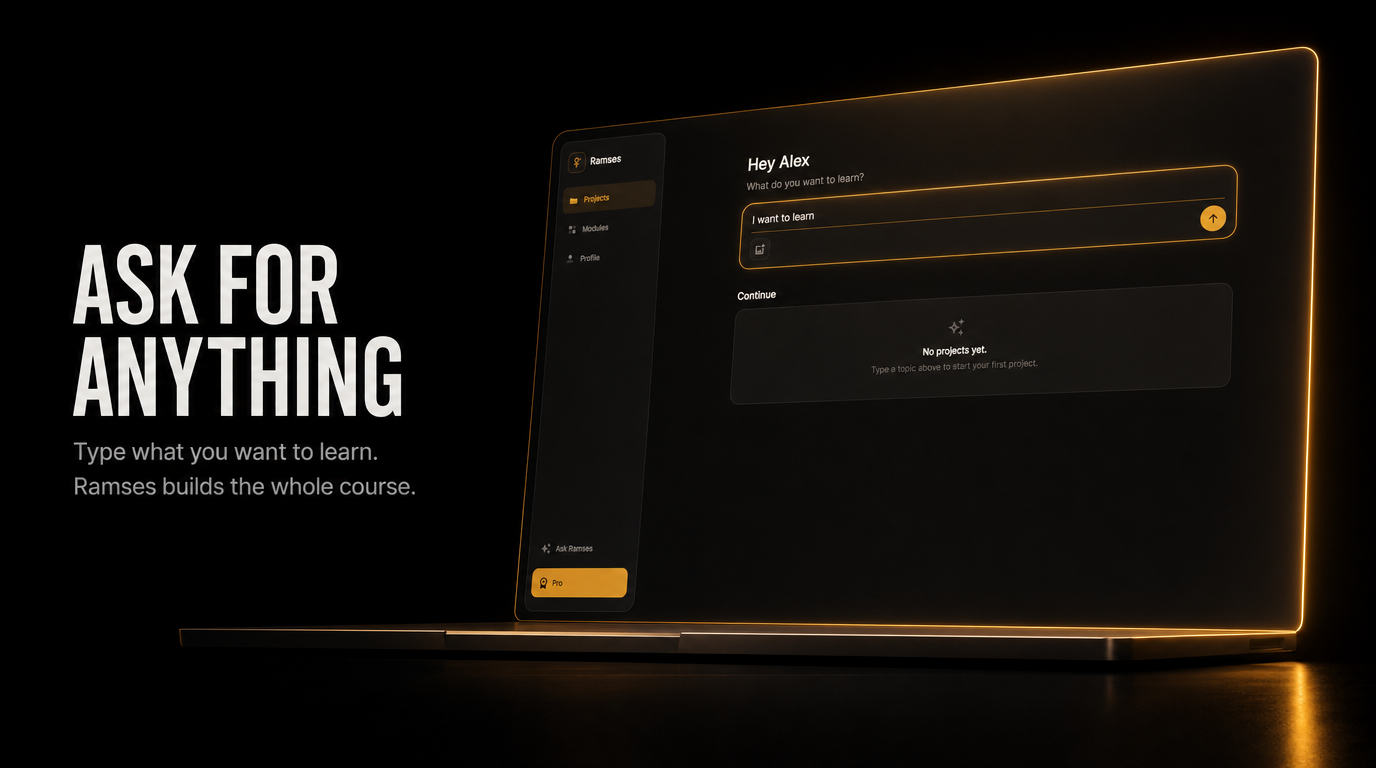
No menus to fill in, no level to pick from a list. Write „I want to model a house in Blender“ or „chemistry test on Friday“ and that is the whole setup.

Typing what you want to learn
II

A plan, not a pile of answers

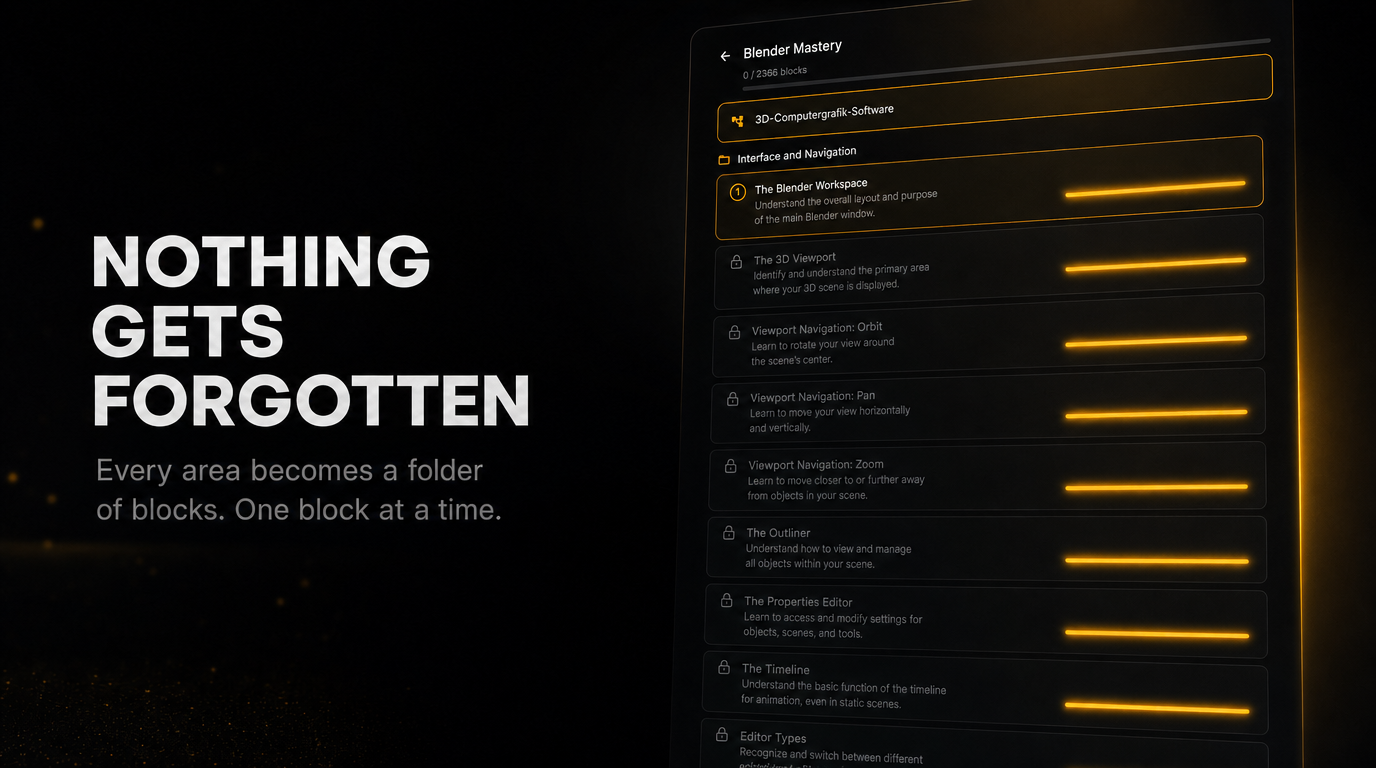
Ramses asks what you already know, then lays out areas, blocks and lessons in an order that holds. Nothing crammed in, nothing skipped — and you can see the whole route before you start.

Every area becomes a folder of blocks
III

Quizzed until it sticks

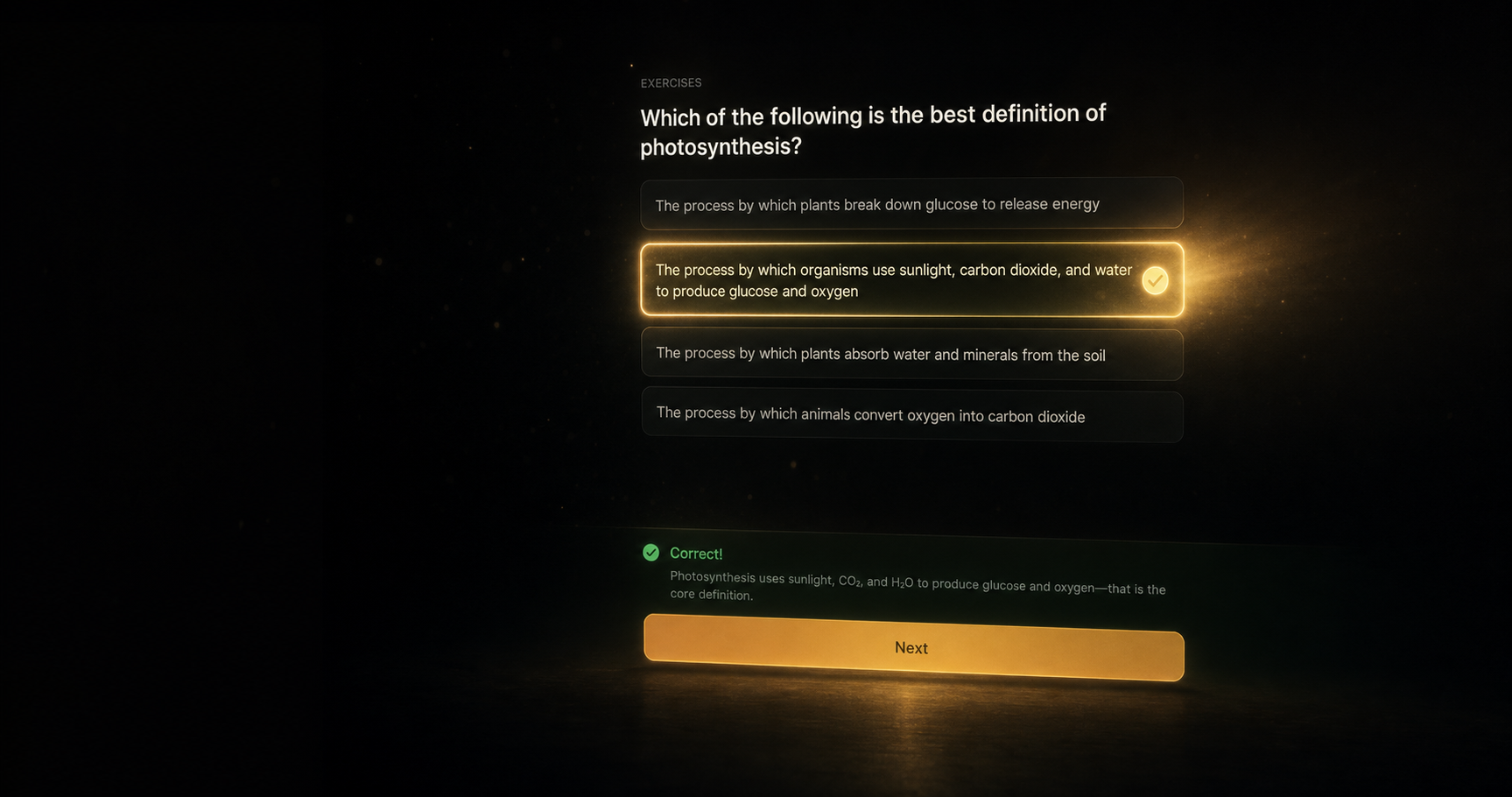
Every block ends in questions that are actually about the block. Get one wrong and it comes back — not immediately, but on the day you were about to forget it.

A quiz at the end of a block
IV

And a reason to come back tomorrow

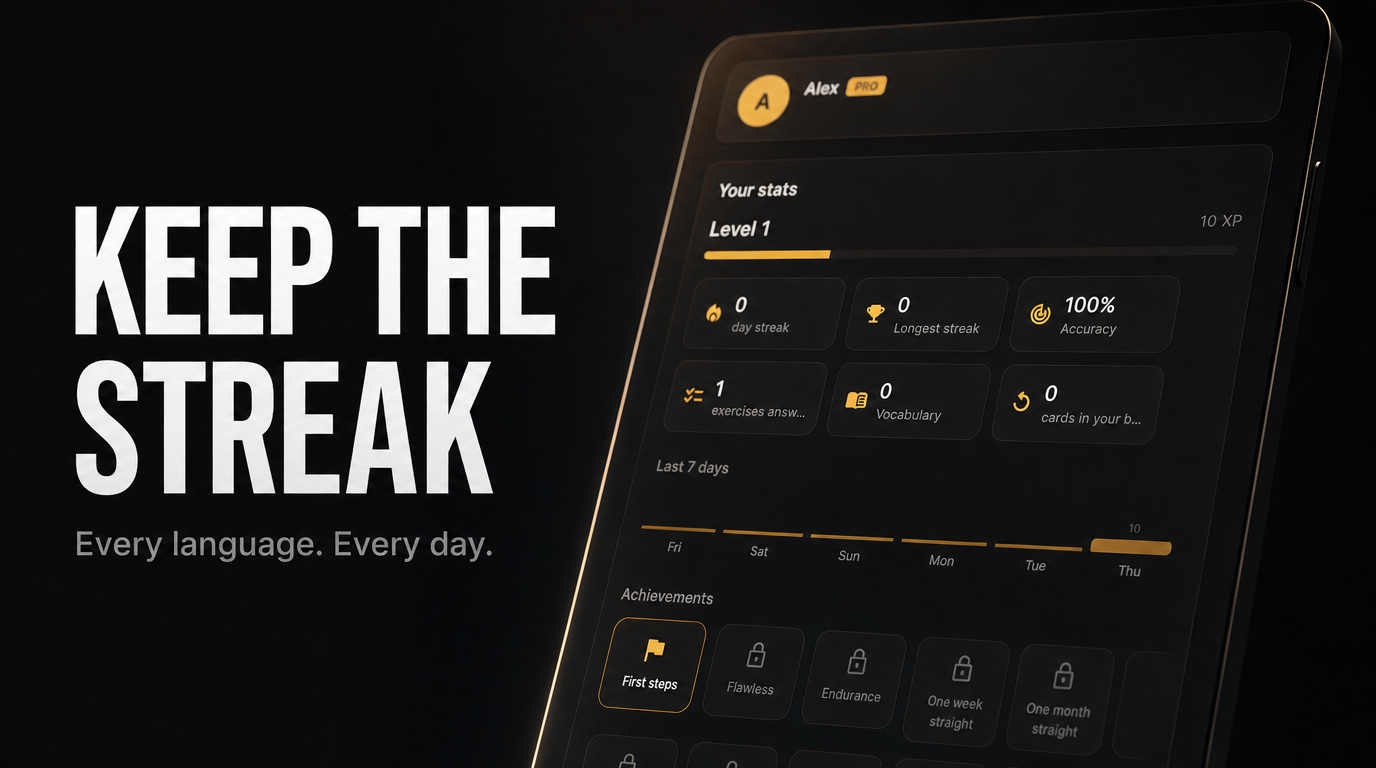
Daily goals and a streak, plus a review pile that fills itself from your own mistakes. The part most courses leave to your willpower.

Daily goal and streak
How the Live Guide works

No extension. No cloud recording. Just your screen, when it changes.

The part that sounds too good to be true, explained end to end.

I

It takes a screenshot, natively

Ramses reads your screen through the Windows graphics API built into the operating system — the same mechanism as pressing Print Screen. There is no browser extension and no separate driver, which is why it works with any desktop program, not just websites.

II

Only when something changed

Each frame is fingerprinted on your machine and compared with the last one. If nothing changed, nothing is sent. If something is still moving, Ramses waits until the screen settles — so it reacts to a finished action, not to your mouse travelling.

III

Then it looks and says one thing

The settled frame goes to a vision model, which answers the only question that matters: what is the next click. At least 4 seconds sit between two analyses, plus an occasional check-in so a completed step is noticed even without a visible change.

IV

You start it, and you stop it

The Live Guide runs only while you have it switched on, inside the lesson you opened it for. Ramses' own window is excluded from the capture at the operating-system level, so it never photographs itself.

Why not just ask a chatbot

A chat window answers. This one keeps the plan.

It knows where you are

A chat starts from nothing every time you open it, so you have to re-explain your level in every message. Ramses holds one continuous course: it tracks which blocks you passed, skips what you have already shown you can do, and brings back what you got wrong right before you would forget it.

It sees the screen you are stuck on

Describing a menu you cannot find is the hard part — you would have to know its name to ask. Ramses looks at the actual window and points at the actual button, in whatever program you have open.

It decides what comes next

A chatbot waits for your prompt; the curriculum is your job. Give Ramses a topic — or an exam date — and the route, the order and the pacing come back planned, then get adjusted as you go.

It marks your work

Write straight onto a worksheet or an exam paper, hand it in, and Ramses reads your handwriting, gives part marks and puts a note in the margin — where a teacher would put one.

None of this makes a general assistant worse at what it is for. If you want an answer to a question, ask one. Ramses Learning is built for the other case: you want to be able to do the thing afterwards.

In short

Ramses Learning is the AI that teaches you anything — any software, any subject, any language, any test. Just type what you want to learn, and Ramses builds a complete, personalized course around it: broken into areas, then blocks, then lessons — nothing crammed in, nothing skipped.

Paste a text into the writing coach for an honest rating and a polished rewrite. Attach a photo of your notes and let Ramses turn it into a study plan. Available in 20 languages.

System requirements
Operating systemWindows 10 (1809+) or Windows 11
Architecturex64
Storage~150 MB free space
InternetRequired — Ramses runs on a connected AI backend

Ready when you are.

Choose a plan to get started. Cancel anytime.

Not installing today?